packer@integration-docker
packer@plugin安装
在 macOS上为 Packer 安装 Docker 和 VirtualBox 插件,可以扩展 Packer 的功能,用于构建 Docker 容器镜像或 VirtualBox 虚拟机镜像。Packer 从 v1.7 开始支持插件系统,允许通过 packer init 或手动方式安装外部插件。
前提条件
- Packer 已安装
确保你已经按照之前的指导在 macOS 上安装了 Packer(例如通过brew install packer)。 - Docker 和 VirtualBox 已安装(可选)
如果你计划使用这些插件构建镜像,建议安装 Docker Desktop 和 VirtualBox,但只是安装插件本身并不强制要求。
packer@自动化镜像构建
HashiCorp Packer 是一个由 HashiCorp 公司开发的开源工具,用于自动化创建跨多个平台的相同机器镜像(machine image),只需使用单一的源配置文件。它旨在帮助开发者、运维人员和组织更高效地构建和管理基础设施镜像,支持现代 DevOps 和不可变基础设施(immutable infrastructure)的实践。
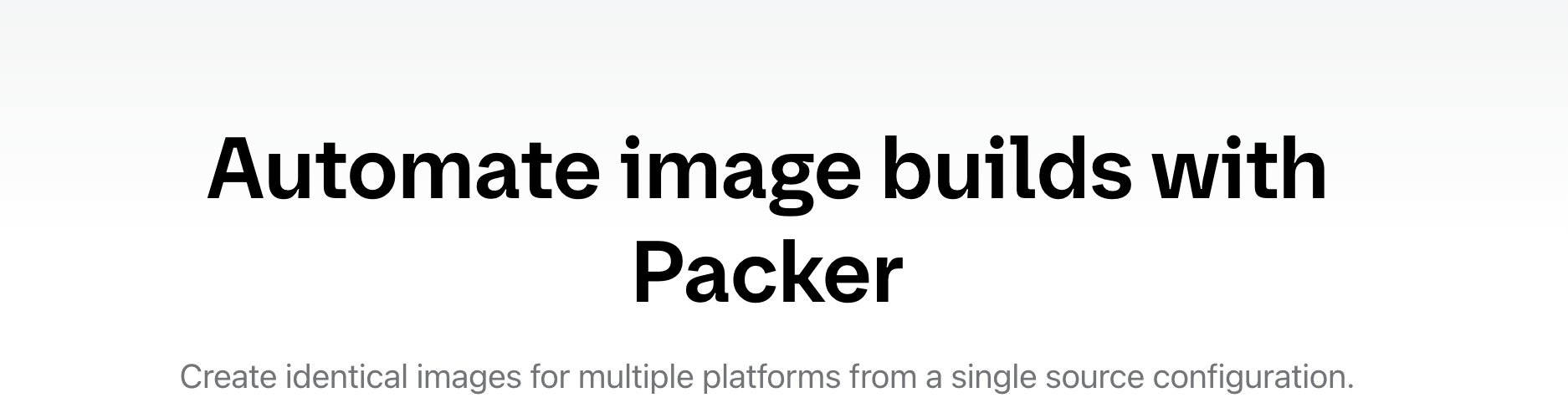
Packer 是 HashiCorp 生态系统中的重要组成部分,与 Terraform 等工具结合使用时,可以实现从镜像创建到基础设施部署的端到端自动化。如果你需要高效、一致地管理机器镜像,Packer 是一个值得尝试的工具!
app@Notepad--(Ndd)跨平台文本编辑器
Notepad–(简称 Ndd,也包含 Subtwo 版本)是一款由中国开发者“爬山虎”(GitHub 用户名 cxasm)使用 C++ 语言开发的跨平台文本编辑器,目标是打造一款“中国人自己的编辑器”,并在功能和体验上超越经典的 Notepad++。它支持 Windows、Linux 和 macOS 三大主流操作系统,特别注重对国产操作系统(如统信 UOS、麒麟 Linux)以及 macOS 的适配和优化。
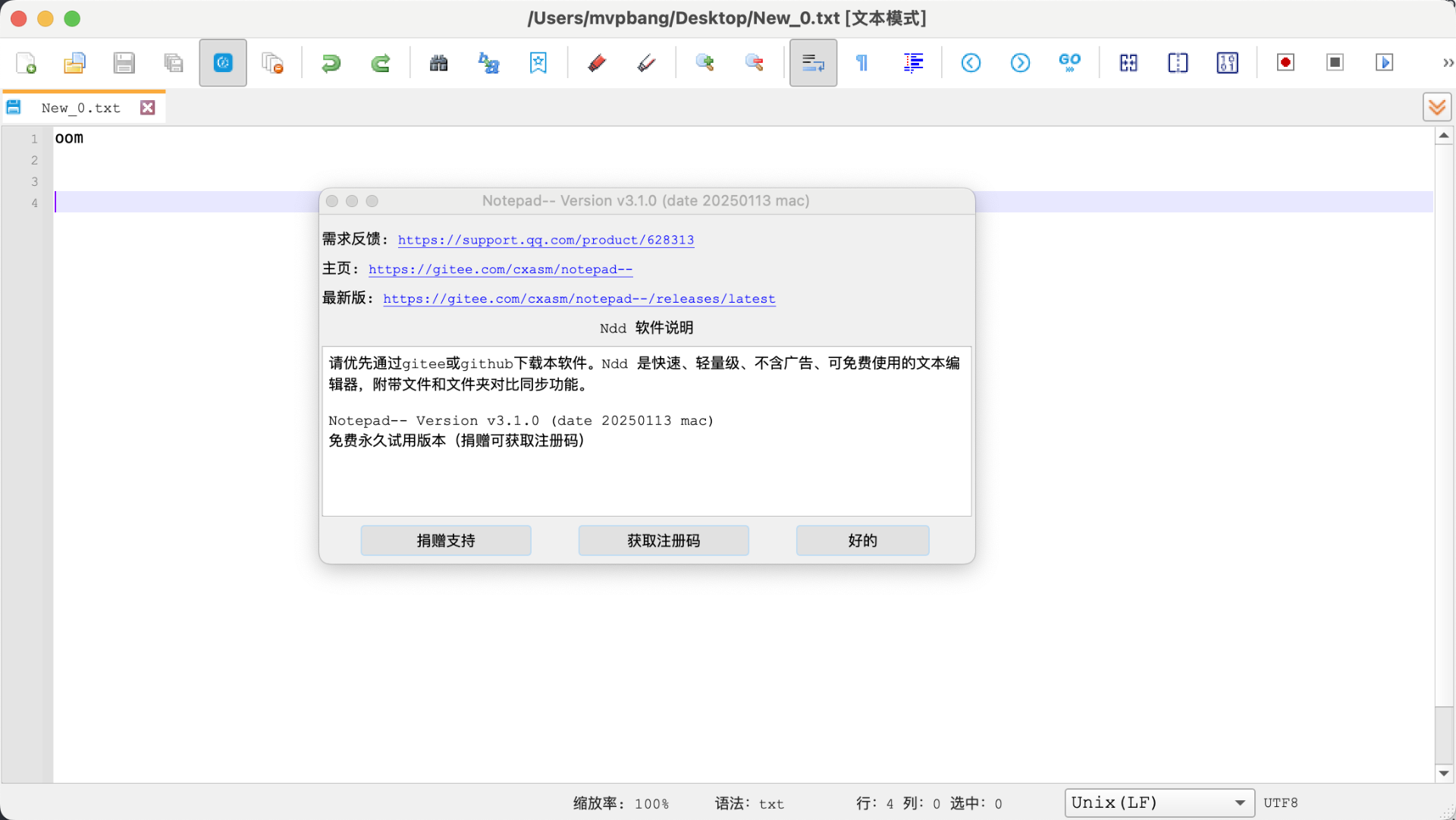
notepadd–
CentOS 7下anaconda-ks.cfg配置
用于自动化安装 CentOS 7 的 Kickstart 文件 (anaconda-ks.cfg),通常用于配置虚拟机(如 Vagrant 环境)或物理机的操作系统安装过程。它定义了安装选项、分区设置、软件包选择以及安装后的配置脚本。
anaconda-ks.cfg
#version=DEVEL

# System authorization information
auth --enableshadow --enablemd5

# Install OS instead of upgrade
install

# Use text mode install
text

# Firewall configuration
firewall --disabled
firstboot --disable
ignoredisk --only-use=vda

# Keyboard layouts
# old format: keyboard us
# new format:
keyboard --vckeymap=us --xlayouts=''
# System language
lang en_US.UTF-8

# Network information
network  --bootproto=dhcp --device=eth0 --activate
network  --hostname=localhost.localdomain

# Reboot after installation
reboot
repo --name="koji-override-0" --baseurl=http://mirror.centos.org/centos/7/extras/x86_64/
repo --name="koji-override-1" --baseurl=http://mirror.centos.org/centos/7/updates/x86_64/

# Use network installation
url --url="http://mirror.centos.org/centos/7/os/x86_64/"

# Root password
rootpw --plaintext vagrant

# SELinux configuration
selinux --enforcing

# System services
services --enabled="vmtoolsd,chronyd"

# Do not configure the X Window System
skipx

# System timezone
timezone UTC --isUtc
user --name=vagrant --password=vagrant

# System bootloader configuration
bootloader --append="no_timer_check console=tty0 console=ttyS0,115200n8 net.ifnames=0 biosdevname=0 elevator=noop crashkernel=auto" --location=mbr --timeout=1 --boot-drive=vda

# Clear the Master Boot Record
zerombr

# Partition clearing information
clearpart --all --drives=vda

# Disk partitioning information
part / --asprimary --fstype="xfs" --ondisk=vda --size=40959

%post
# configure swap to a file (fallocate doesn't work with c7 xfs)
dd if=/dev/zero of=/swapfile bs=1M count=2048
chmod 600 /swapfile
mkswap /swapfile
echo "/swapfile none swap defaults 0 0" >> /etc/fstab

# sudo
echo "%vagrant ALL=(ALL) NOPASSWD: ALL" > /etc/sudoers.d/vagrant
chmod 0440 /etc/sudoers.d/vagrant

# Fix for https://github.com/CentOS/sig-cloud-instance-build/issues/38
cat > /etc/sysconfig/network-scripts/ifcfg-eth0 << EOF
DEVICE="eth0"
BOOTPROTO="dhcp"
ONBOOT="yes"
TYPE="Ethernet"
PERSISTENT_DHCLIENT="yes"
EOF

# sshd: disable password authentication and DNS checks
ex -s /etc/ssh/sshd_config <<EOF
:%substitute/^\(PasswordAuthentication\) yes$/\1 no/
:%substitute/^#\(UseDNS\) yes$/&\r\1 no/
:update
:quit
EOF
cat >>/etc/sysconfig/sshd <<EOF

# Decrease connection time by preventing reverse DNS lookups
# (see https://lists.centos.org/pipermail/centos-devel/2016-July/014981.html
#  and man sshd for more information)
OPTIONS="-u0"
EOF

# Default insecure vagrant key
mkdir -m 0700 -p /home/vagrant/.ssh
echo "ssh-rsa AAAAB3NzaC1yc2EAAAABIwAAAQEA6NF8iallvQVp22WDkTkyrtvp9eWW6A8YVr+kz4TjGYe7gHzIw+niNltGEFHzD8+v1I2YJ6oXevct1YeS0o9HZyN1Q9qgCgzUFtdOKLv6IedplqoPkcmF0aYet2PkEDo3MlTBckFXPITAMzF8dJSIFo9D8HfdOV0IAdx4O7PtixWKn5y2hMNG0zQPyUecp4pzC6kivAIhyfHilFR61RGL+GPXQ2MWZWFYbAGjyiYJnAmCP3NOTd0jMZEnDkbUvxhMmBYSdETk1rRgm+R4LOzFUGaHqHDLKLX+FIPKcF96hrucXzcWyLbIbEgE98OHlnVYCzRdK8jlqm8tehUc9c9WhQ== vagrant insecure public key" >> /home/vagrant/.ssh/authorized_keys
chmod 600 /home/vagrant/.ssh/authorized_keys
chown -R vagrant:vagrant /home/vagrant/.ssh

# Fix for issue #76, regular users can gain admin privileges via su
ex -s /etc/pam.d/su <<'EOF'
# allow vagrant to use su, but prevent others from becoming root or vagrant
/^account\s\+sufficient\s\+pam_succeed_if.so uid = 0 use_uid quiet$/
:append
account		[success=1 default=ignore] \\
                pam_succeed_if.so user = vagrant use_uid quiet
account		required	pam_succeed_if.so user notin root:vagrant
.
:update
:quit
EOF

# systemd should generate a new machine id during the first boot, to
# avoid having multiple Vagrant instances with the same id in the local
# network. /etc/machine-id should be empty, but it must exist to prevent
# boot errors (e.g.  systemd-journald failing to start).
:>/etc/machine-id

echo 'vag' > /etc/yum/vars/infra

# Blacklist the floppy module to avoid probing timeouts
echo blacklist floppy > /etc/modprobe.d/nofloppy.conf
chcon -u system_u -r object_r -t modules_conf_t /etc/modprobe.d/nofloppy.conf

# Customize the initramfs
pushd /etc/dracut.conf.d
# Enable VMware PVSCSI support for VMware Fusion guests.
echo 'add_drivers+=" vmw_pvscsi "' > vmware-fusion-drivers.conf
echo 'add_drivers+=" hv_netvsc hv_storvsc hv_utils hv_vmbus hid-hyperv "' > hyperv-drivers.conf
# There's no floppy controller, but probing for it generates timeouts
echo 'omit_drivers+=" floppy "' > nofloppy.conf
popd
# Fix the SELinux context of the new files
restorecon -f - <<EOF
/etc/sudoers.d/vagrant
/etc/dracut.conf.d/vmware-fusion-drivers.conf
/etc/dracut.conf.d/hyperv-drivers.conf
/etc/dracut.conf.d/nofloppy.conf
EOF

# Rerun dracut for the installed kernel (not the running kernel):
KERNEL_VERSION=$(rpm -q kernel --qf '%{version}-%{release}.%{arch}\n')
dracut -f /boot/initramfs-${KERNEL_VERSION}.img ${KERNEL_VERSION}

# Seal for deployment
rm -rf /etc/ssh/ssh_host_*
hostnamectl set-hostname localhost.localdomain
rm -rf /etc/udev/rules.d/70-*
%end

%packages --instLangs=en
bash-completion
bzip2
chrony
cifs-utils
deltarpm
hyperv-daemons
kexec-tools
man-pages
nfs-utils
open-vm-tools
rsync
yum-utils
-aic94xx-firmware
-alsa-firmware
-alsa-tools-firmware
-dracut-config-rescue
-ivtv-firmware
-iwl100-firmware
-iwl1000-firmware
-iwl105-firmware
-iwl135-firmware
-iwl2000-firmware
-iwl2030-firmware
-iwl3160-firmware
-iwl3945-firmware
-iwl4965-firmware
-iwl5000-firmware
-iwl5150-firmware
-iwl6000-firmware
-iwl6000g2a-firmware
-iwl6000g2b-firmware
-iwl6050-firmware
-iwl7260-firmware
-iwl7265-firmware
-kexec-tools
-linux-firmware
-microcode_ctl
-plymouth

%end

%addon com_redhat_kdump --enable --reserve-mb='auto'

%end