fluent-bit@介绍
Fluent Bit 是一个开源的、高性能的日志处理器和转发器,专为嵌入式系统、物联网设备和云原生环境设计。它由 Treasure Data 开发,现由 CNCF(云原生计算基金会)托管,与 Fluentd 同属一个生态系统,但相比 Fluentd,Fluent Bit 更轻量,资源占用更低,适用于资源受限的场景。
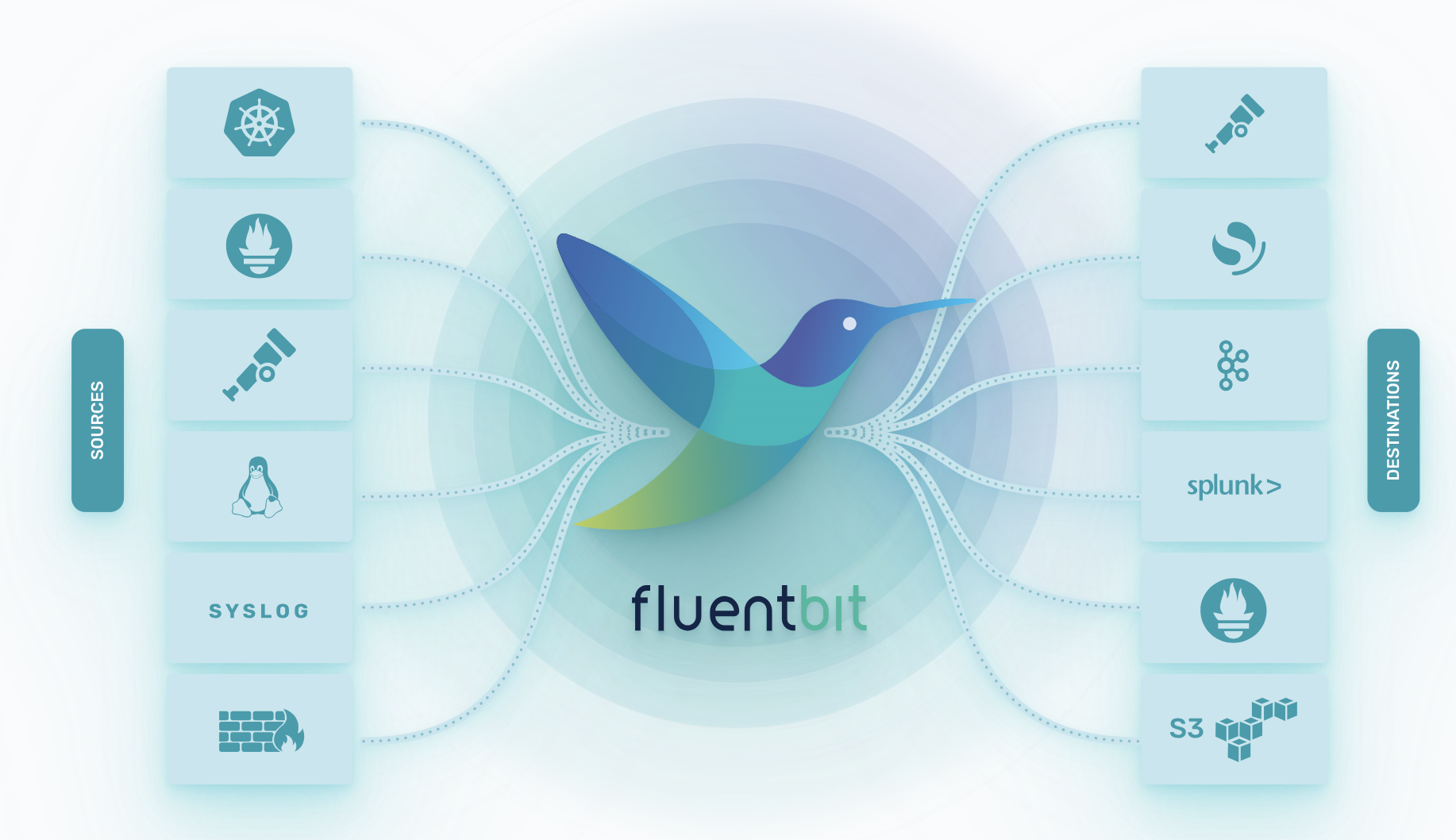
fluent-bit
ubuntu包解压异常(dpkg: error processing)
...
Unpacking linux-headers-6.8.0-56 (6.8.0-56.58) ...
dpkg-deb (subprocess): decompressing archive '/var/cache/apt/archives/linux-headers-6.8.0-56_6.8.0-56.58_all.deb' (size=13837808) member 'data.tar': zstd error: Data corruption detected
dpkg-deb: error: <decompress> subprocess returned error exit status 2
...
env
- ubuntu-24.04.2 LTS (Noble Numbat)
fedora@Fedora Media Writer写iso软件
fedora@workstation体验
Fedora Workstation Live 42 Beta 于 2025 年 3 月 18 日发布,目前仍处于测试阶段,因此安装过程中可能会遇到一些小问题,但整体体验已经非常接近最终版本。
env
- virtualbox-v7.1.6
- Fedora-Workstation-Live-x86_64-42_Beta-1.4.iso

ubuntu@dpkg命令
在 Ubuntu 或其他基于 Debian 的系统中,**dpkg 是一个底层的包管理工具,用于处理 .deb 包**的安装、卸载、查询等操作。
dpkg help
root@vgt-ubuntu-10:~# dpkg --help
Usage: dpkg [<option>...] <command>

Commands:
  -i|--install       <.deb file name>... | -R|--recursive <directory>...  ### 安装
  --unpack           <.deb file name>... | -R|--recursive <directory>...
  -A|--record-avail  <.deb file name>... | -R|--recursive <directory>...
  --configure        <package>... | -a|--pending
  --triggers-only    <package>... | -a|--pending
  -r|--remove        <package>... | -a|--pending   ### 移除
  -P|--purge         <package>... | -a|--pending   ### 移除包及配置
  -V|--verify [<package>...]       Verify the integrity of package(s).
  --get-selections [<pattern>...]  Get list of selections to stdout.
  --set-selections                 Set package selections from stdin.
  --clear-selections               Deselect every non-essential package.
  --update-avail [<Packages-file>] Replace available packages info.
  --merge-avail [<Packages-file>]  Merge with info from file.
  --clear-avail                    Erase existing available info.
  --forget-old-unavail             Forget uninstalled unavailable pkgs.
  -s|--status [<package>...]       Display package status details.
  -p|--print-avail [<package>...]  Display available version details.
  -L|--listfiles <package>...      List files 'owned' by package(s).  ### 列出包内文件
  -l|--list [<pattern>...]         List packages concisely.
  -S|--search <pattern>...         Find package(s) owning file(s).
  -C|--audit [<package>...]        Check for broken package(s).
  --yet-to-unpack                  Print packages selected for installation.
  --predep-package                 Print pre-dependencies to unpack.
  --add-architecture <arch>        Add <arch> to the list of architectures.
  --remove-architecture <arch>     Remove <arch> from the list of architectures.
  --print-architecture             Print dpkg architecture.
  --print-foreign-architectures    Print allowed foreign architectures.
  --assert-help                    Show help on assertions.
  --assert-<feature>               Assert support for the specified feature.
  --validate-<thing> <string>      Validate a <thing>'s <string>.
  --compare-versions <a> <op> <b>  Compare version numbers - see below.
  --force-help                     Show help on forcing.
  -Dh|--debug=help                 Show help on debugging.

  -?, --help                       Show this help message.
      --version                    Show the version.

Validatable things: pkgname, archname, trigname, version.

Use dpkg with -b, --build, -c, --contents, -e, --control, -I, --info,
  -f, --field, -x, --extract, -X, --vextract, --ctrl-tarfile, --fsys-tarfile
on archives (type dpkg-deb --help).

Options:
  --admindir=<directory>     Use <directory> instead of /var/lib/dpkg.
  --root=<directory>         Install on a different root directory.
  --instdir=<directory>      Change installation dir without changing admin dir.
  --pre-invoke=<command>     Set a pre-invoke hook.
  --post-invoke=<command>    Set a post-invoke hook.
  --path-exclude=<pattern>   Do not install paths which match a shell pattern.
  --path-include=<pattern>   Re-include a pattern after a previous exclusion.
  -O|--selected-only         Skip packages not selected for install/upgrade.
  -E|--skip-same-version     Skip packages whose same version is installed.
  -G|--refuse-downgrade      Skip packages with earlier version than installed.
  -B|--auto-deconfigure      Install even if it would break some other package.
  --[no-]triggers            Skip or force consequential trigger processing.
  --verify-format=<format>   Verify output format (supported: 'rpm').
  --no-pager                 Disables the use of any pager.
  --no-debsig                Do not try to verify package signatures.
  --no-act|--dry-run|--simulate
                             Just say what we would do - don't do it.
  -D|--debug=<octal>         Enable debugging (see -Dhelp or --debug=help).
  --status-fd <n>            Send status change updates to file descriptor <n>.
  --status-logger=<command>  Send status change updates to <command>'s stdin.
  --log=<filename>           Log status changes and actions to <filename>.
  --ignore-depends=<package>[,...]
                             Ignore dependencies involving <package>.
  --force-<thing>[,...]      Override problems (see --force-help).
  --no-force-<thing>[,...]   Stop when problems encountered.
  --refuse-<thing>[,...]     Ditto.
  --abort-after <n>          Abort after encountering <n> errors.
  --robot                    Use machine-readable output on some commands.

Comparison operators for --compare-versions are:
  lt le eq ne ge gt       (treat empty version as earlier than any version);
  lt-nl le-nl ge-nl gt-nl (treat empty version as later than any version);
  < << <= = >= >> >       (only for compatibility with control file syntax).

Use 'apt' or 'aptitude' for user-friendly package management.
procps@包介绍
procps 是一个在 Linux 系统中广泛使用的软件包,主要提供了一系列用于监控和管理系统进程的工具。它是许多 Linux 发行版(包括 Ubuntu)的核心组件之一。procps 的工具主要依赖于 /proc 文件系统(Linux 内核提供的虚拟文件系统),通过读取其中的信息来展示系统状态、进程信息等。
在 Ubuntu 中,procps 包通常默认安装,因为它包含了一些基础且常用的命令行工具,例如 ps、top、kill 等。如果没有安装,可以通过以下命令安装:
1 | sudo apt update |