nexus@搭建 PyPi私服及上传
Nexus 私服(Nexus Private Repository)是指在企业或个人本地搭建的 Nexus 仓库管理系统,用于管理项目构建时所需的各种依赖(如 Maven、npm、PyPI 包等)和产出(构件、制品、镜像等)。
1.下载 nexus 压缩包
- https://www.sonatype.com/nexus-repository-oss
- https://help.sonatype.com/repomanager3/product-information/download
2.安装nexus压缩包
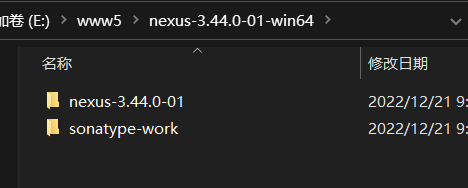
2.1解压 nexus-3.44.0-01-win64.zip 压缩包
2.2进入 nexus-3.44.0-01-win64\nexus-3.44.0-01\bin 目录下用命令行执行下面命令
端口号设置在文件: 解压目录 \nexus-3.44.0-01\etc\nexus-default.properties
里面的 application-port 属性
2.3在浏览器输入:localhost:8081
admin 初始密码在文件:解压目录 \sonatype-work\nexus3\admin.password
该版本第一次登陆会要求修改 admin 密码 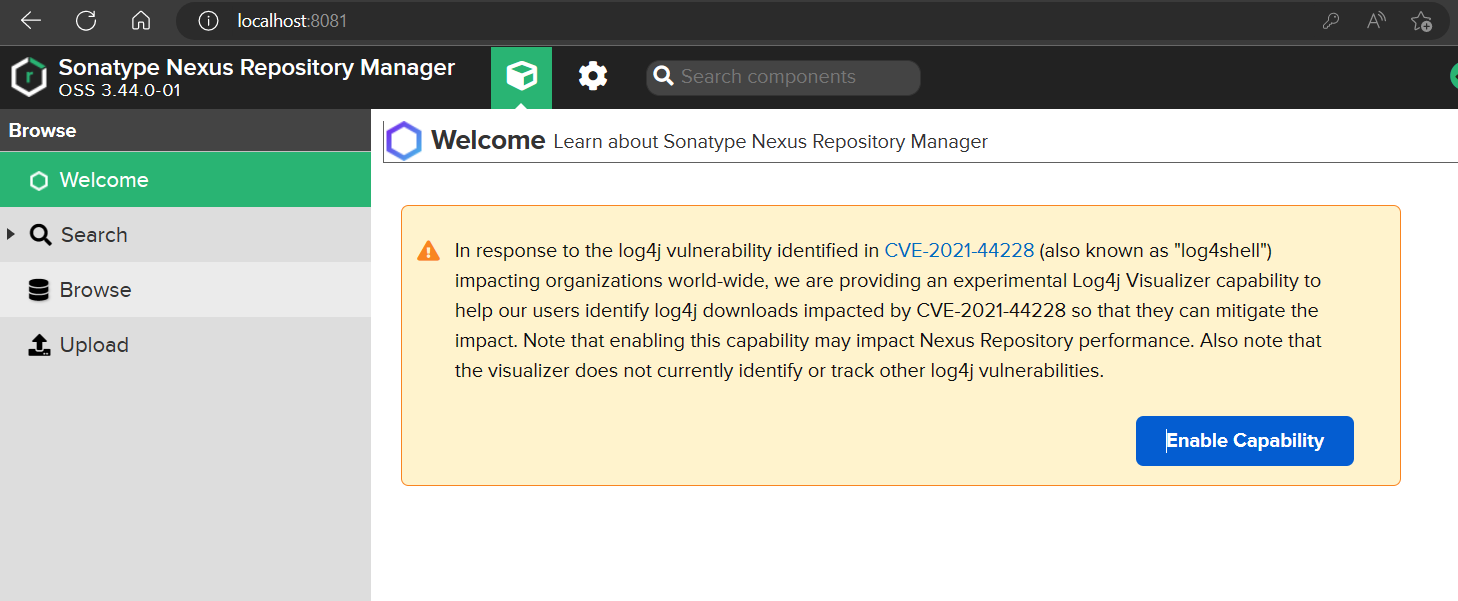
3.配置 pypi 的仓库
3.1建立官方代理仓库 mypypi-proxy 填写远程索引地址时用 https://pypi.python.org/ or http://mirrors.aliyun.com/pypi
3.2建立 hosted 仓库,用于内部使用 mypypi-hosted
3.3建立 group 仓库把官方代理和 hosted 仓库包含进来 mypypi-group
总共三个仓库: 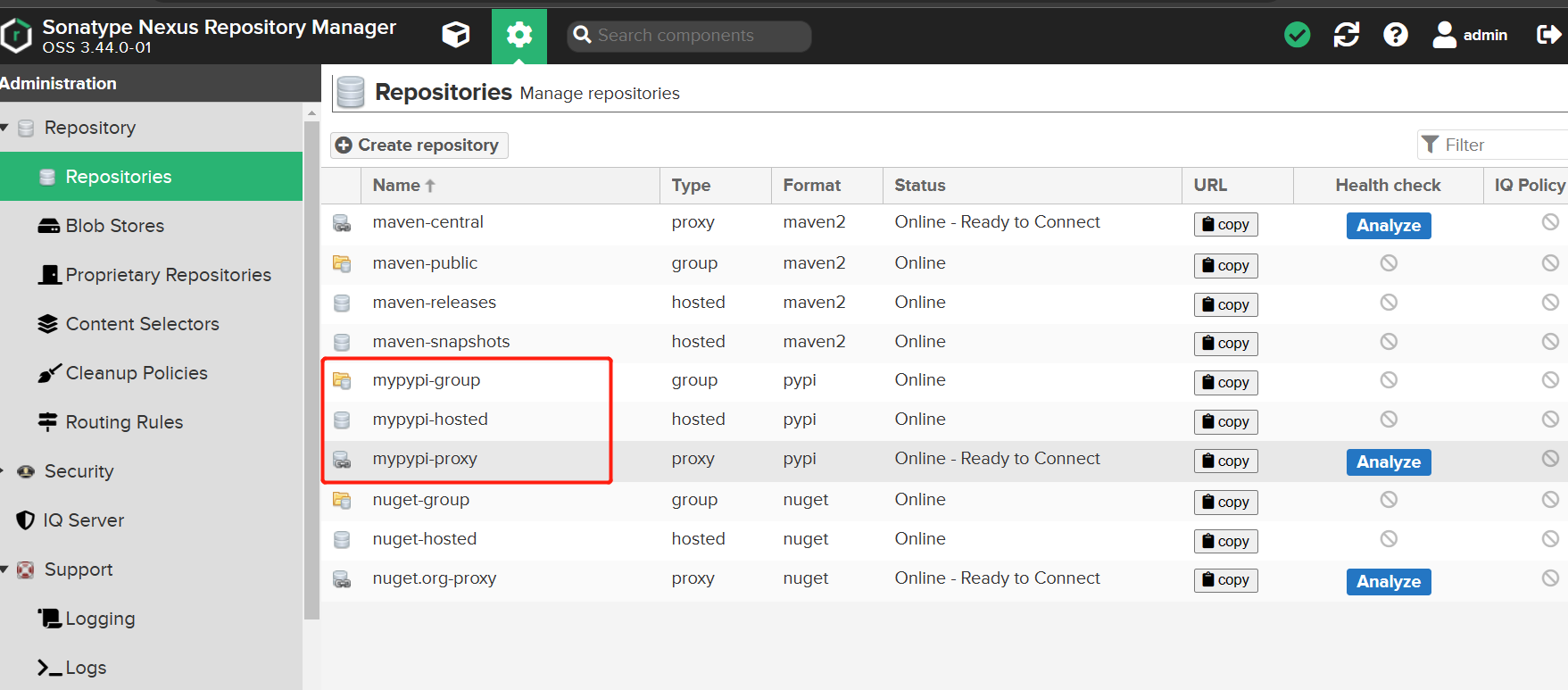
他们的区别是:
proxy – 远程仓库的代理,当用户向这个仓库请求一个 artifact,他会先在本地查找,如果找不到的话,就会从远程仓库下载,然后返回给用户
hosted – 宿主仓库,用户可以 deploy 到 hosted 中,也可以手工上传构件到 hosted 里,在 central repository 是获取不到的,就需要手工上传到 hosted 里
group – 仓库组,将上述多个仓库聚合,对用户暴露统一的地址
代理仓库的配置:
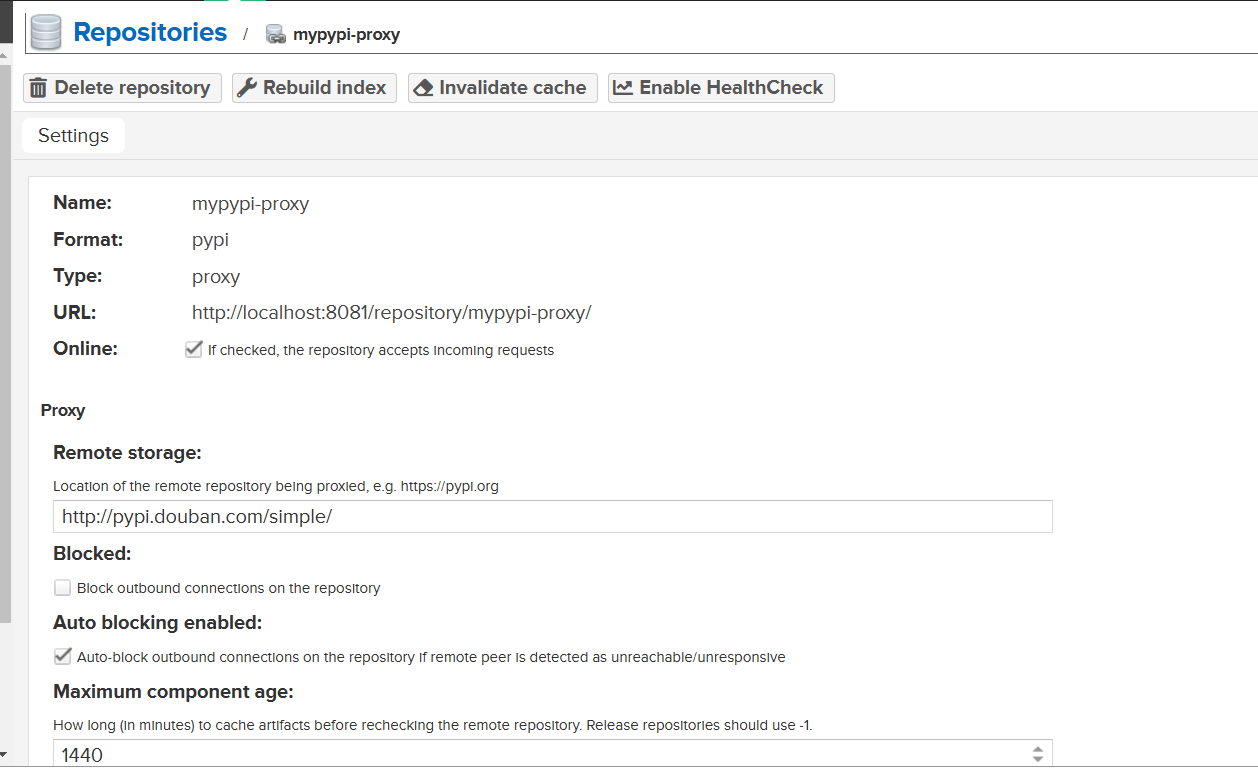
注意:要在仓库地址后面加 /simple
1 | pip install requests -i http://localhost:8081/repository/mypypi-proxy/simple --trusted-host localhost |
4.先打包本地项目
- 打包
- 发布
4.1上传配置
在用户根目录下添加.pypirc 文件
- windows 用户目录:C:\Users\XXX.pypirc
- linux 用户目录:/home/XXX/.pypirc
在用户根目录下添加.pypirc 文件,添加如下配置:
1 | [distutils] |
安装 python 的 twine 包 https://pypi.org/project/twine/
上传命令
1 | twine upload -r nexus dist/* |

界面上传:
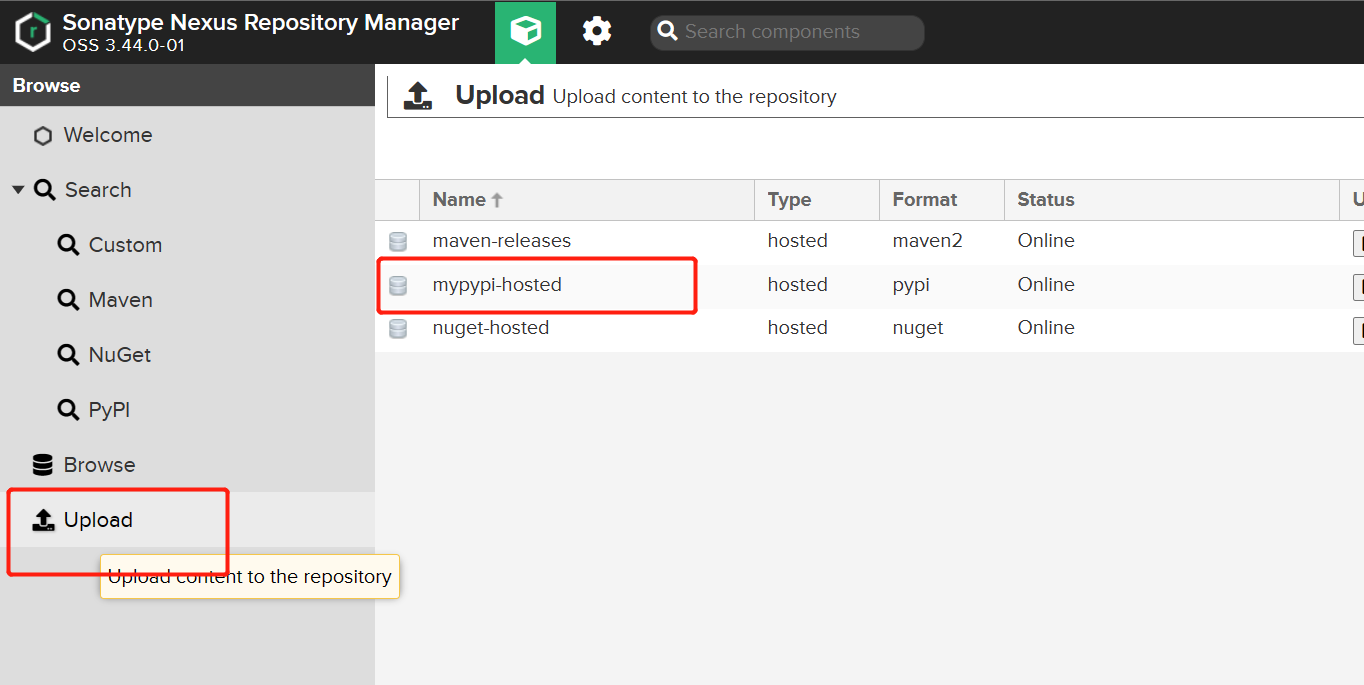
上传结果:
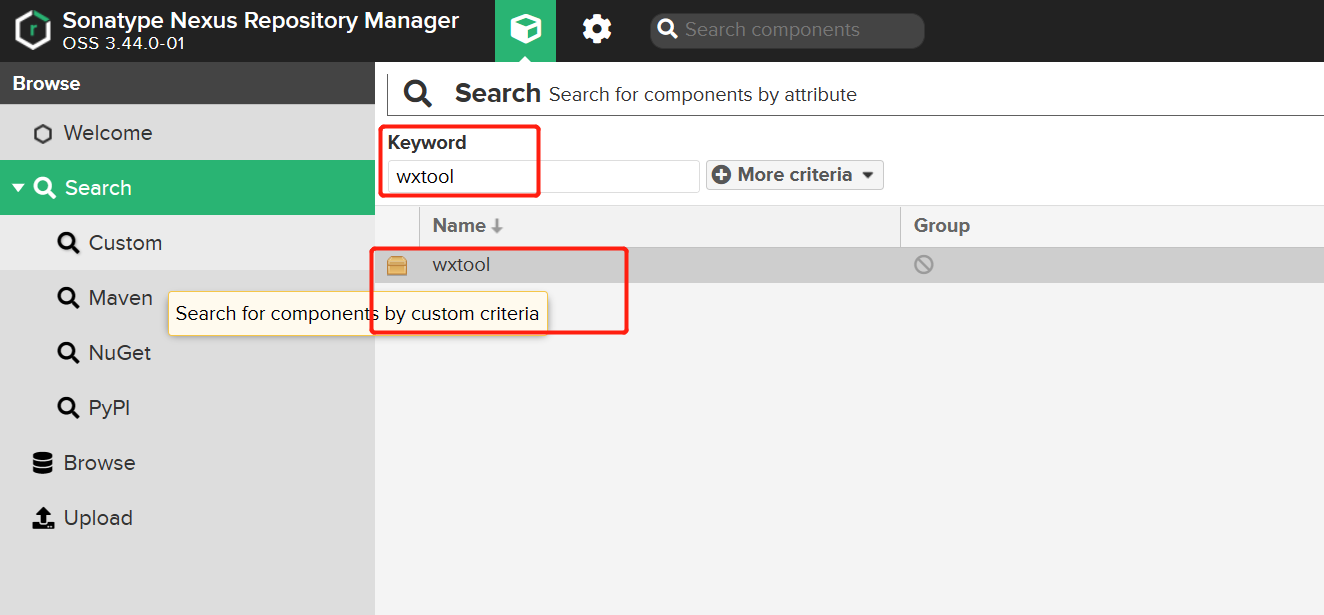
(3)下载地址要使用 group 仓库,后面也要加 /simple
1 | pip install xxx -i http://localhost:8081/repository/mypypi-group/simple --trusted-host 127.0.0.1 |